Inside the buildProduct engineering
A small key. A complete speech system
Inside Quill, a Windows dictation tool that connects native desktop controls, local speech models, and careful fallback behavior.
See the workflow
Hold a key. Speak. Keep working.
Hold F9 to capture a short utterance.
The speech model returns the dictated words.
Optional cleanup adds punctuation; failed checks keep the raw text.
The result reaches the clipboard, then the active application.
- Native Windows app
- Local speech models
- Failure-aware interaction
Hold F9, speak, and release. Quill records your voice, sends it to a server for transcription, and attempts to paste the words where you were typing.
The internal Windows tool connects native controls, local speech models, and the receiving application.
Start with usable audio
The Tauri, TypeScript, and Rust client moves recording and network work off the keyboard hook, keeping that callback responsive.
An accidental F9 tap shorter than 0.35 seconds is rejected before upload. The client also checks for an effectively silent microphone. These filters address unsuitable input before asking a model to interpret it.
Preserve the words when cleanup fails
The server uses faster-whisper large-v3 for transcription. An optional Ollama model then adds punctuation and removes filler.
An editor might answer a dictated question instead of preserving it. Quill checks output length and word overlap, returning the original transcription when cleanup fails or strays too far. These checks cannot guarantee that every word retains its meaning.
Architecture at a glance
- 01CaptureNative key hook and microphone checks
- 02TranscribeWhisper turns audio into words
- 03CheckOptional cleanup with raw-text fallback
- 04PlaceClipboard first, then a guarded paste
If cleanup is rejected, the original transcription continues to delivery.
Keep the text when paste cannot proceed
Quill writes the transcript to the clipboard before attempting a paste. It checks whether the foreground window changed, waits for held modifier keys, and checks whether the destination has higher Windows privileges that could block input.
The clipboard provides a manual fallback, replacing its previous contents. Quill cannot confirm that every destination accepted the paste; delivery needs its own checks.
Share the hardware deliberately
Short dictation benefits from a ready model. Long recordings need a queue that survives interruption. The dictation backend can warm its model and release it after inactivity; the lecture transcriber checks available GPU memory and uses a separate process for each job.
How the GPU is shared
Warm the model for nearby requests. Release it after inactivity to return memory to other work.
Keep jobs in a durable queue. Wait for capacity, then use a separate worker process for each recording.
Quill needs its server connection and human review. It demonstrates complete product integration: native controls, models, shared resources, and recoverable text delivery.
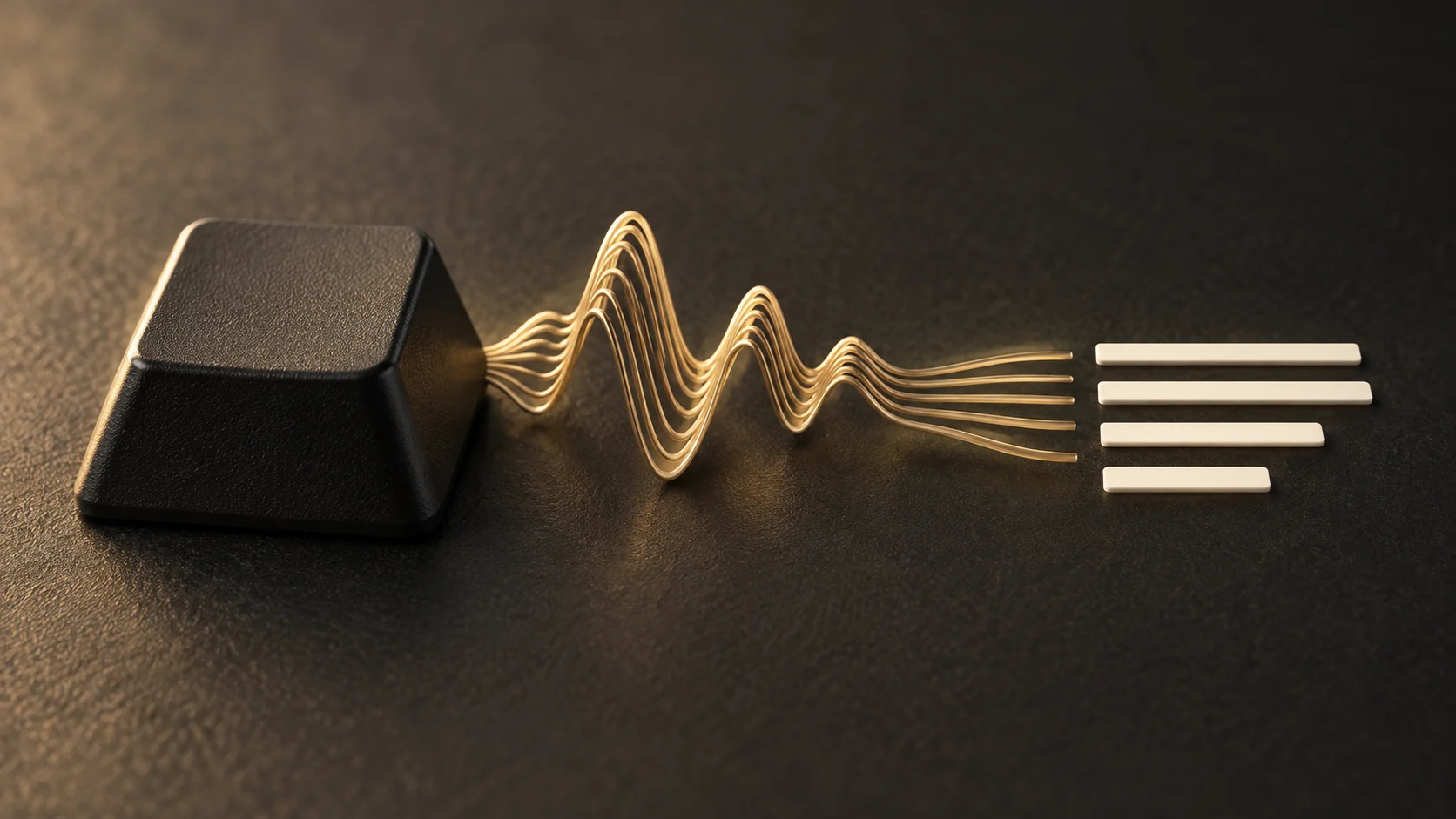
About the cover illustration
Keep reading.
All articlesEngineering notes
The report is the last step
Inside an analytics reporting system that connects platform data, validates what the numbers mean, and makes delivery an observable part of the workflow.
Systems engineering
Building a system you can actually operate
Inside the Modulus platform that connects files, speech tools, reporting, monitoring, and recovery—and the decisions that make those parts manageable.


Bring us the work behind the work
A recurring report, a tool your team needs, or a process spread across too many systems. Start with the job you want to make easier.